


Changing the specified text output - Language overrides
Would you like to change a text string from Joomla! and its extensions, a language override can be used. The texts from Joomla! and extensions are managed in language files for each language. For the front end of the JoomGallery, for example, in the file language\en-GB\en-GB.com_joomgallery.ini
You could now change the respective language file and the output would change accordingly. However, your changes would be lost with the next update or with a new installation of the language files, since the language files will then be overwritten again.
For example, to permanently change the text 'Author' to 'Photographer', it is advisable to create a language override.
Procedure:
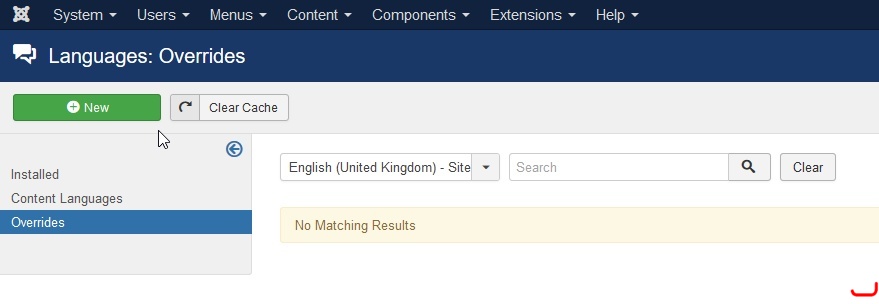
Go to Extensions >> Languages >> Overrides.
Then select 'English (United Kingdom) - Site' in the selection list above or the language that applies to you and click on 'New'.
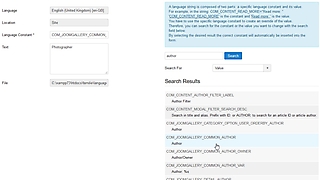
In the window that appears then, you can search for the desired text or language key in the right half.
In the result list, click on the language key to be changed (that of the JoomGallery) in order to transfer it to the input fields on the left.
The previous text string can now be changed in the 'Text' field.
By the way, the text strings for the backend can also be changed. To do this, select 'English (United Kingdom) - Admin' in the selection list in advance.
Related Links:
Language overrides on joomla.org