The important views in the JoomGallery
To understand the differences between the different views of the JoomGallery is very important.
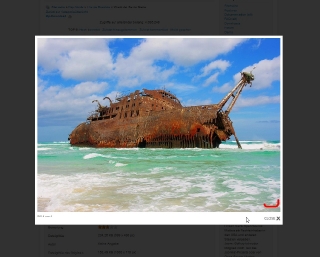
Depending on the view, either thumbnails (gallery / category view), the detail image (detail view) or the original image (Popup box) are displayed.
Each of these views can be configured individually using its own settings in the configuration manager.
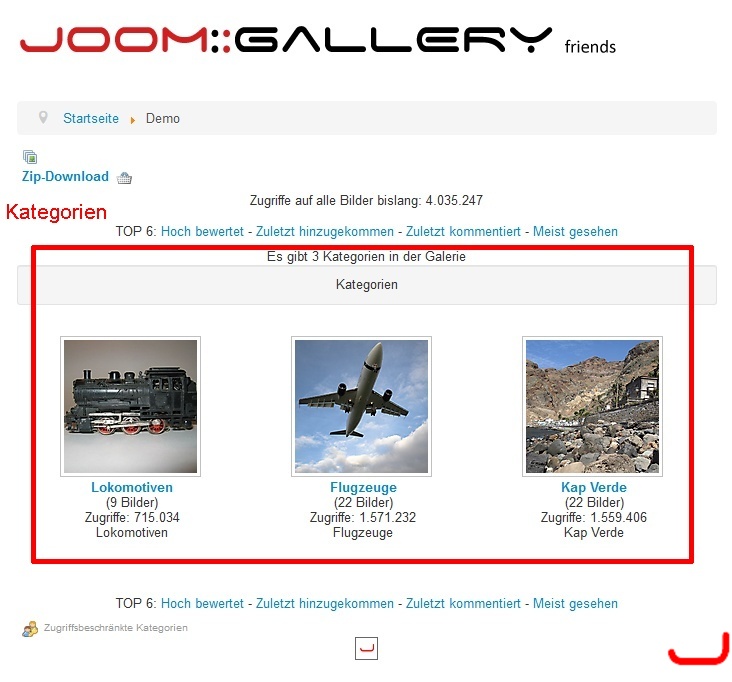
The gallery view
In the gallery view the "top-level" categories are displayed.
The category view
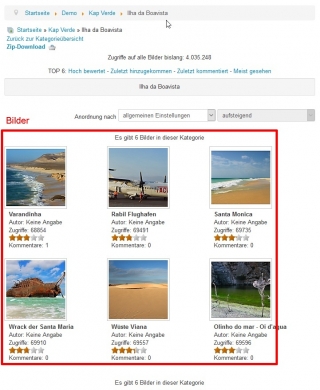
In the category view the thumbnails from the respective category appears.
The subcategories
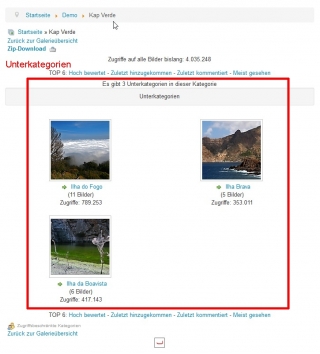
If a category contains further sub-categories, these appear above the images.
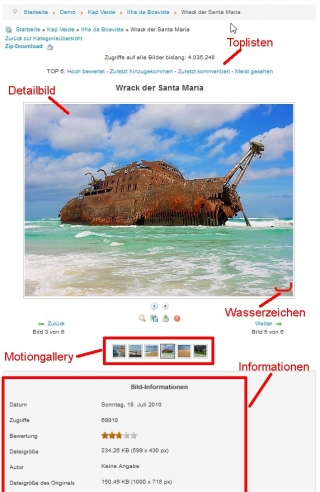
The detail view
The detail image is displayed in the detail view.
In addition to the detail image itself, a wide range of information about the image can be displayed.
The Popup box
In addition to the settings in the detail view, there are other settings for the Popup boxes in the Frontend Settings >> PopUp Functions tab.
Via plugins installed Popup boxes can also be configured in the respective plugin options.