


It behaves nearly like the backend so here it is more a reminder of functionality nd some parts are left out
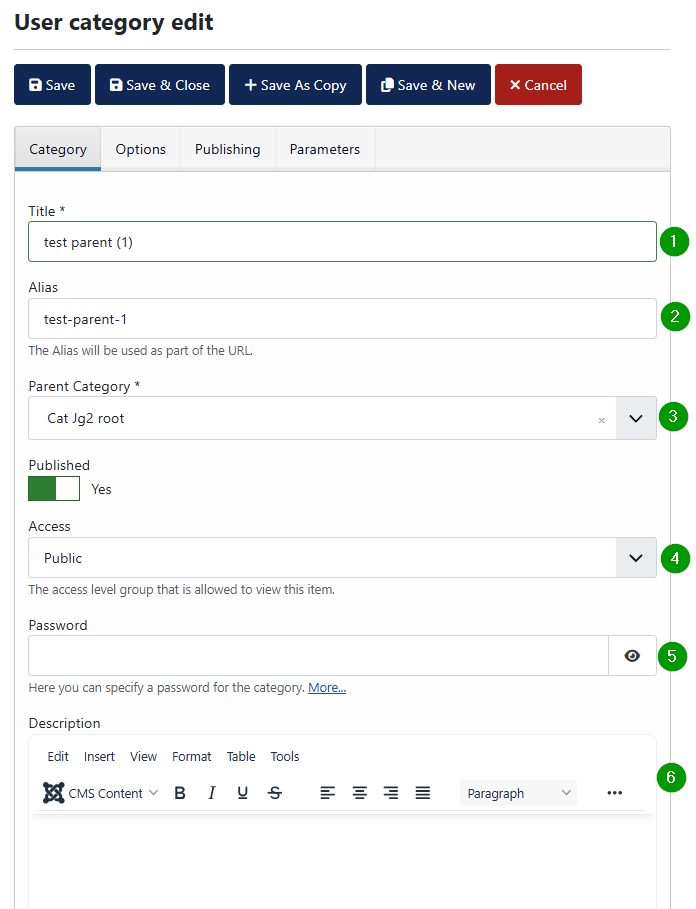
(1) Select the title
(2) Alias will be generated automatically
(3) Parent Category
(4) Should the images be visible direct after upload finished
(5) Which group should be able to see the images
(6) Password
On password is set the password is hidden and can only be changed with a first click on the right site of the control. A further button appears below the control to allow to remove the password (7) Add a description to the category
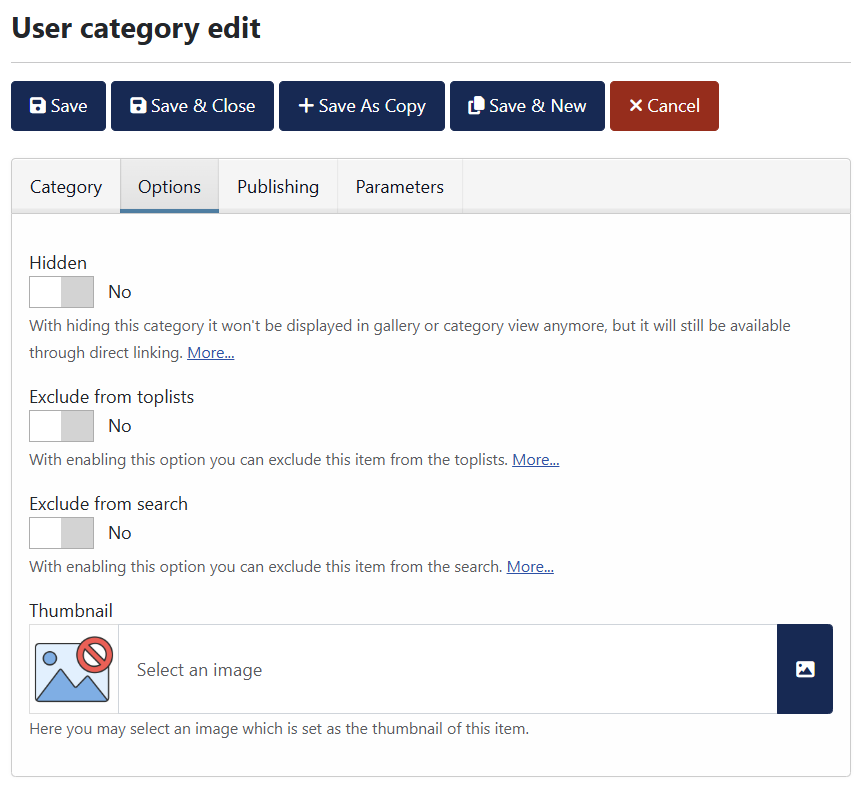
User Category Edit Options
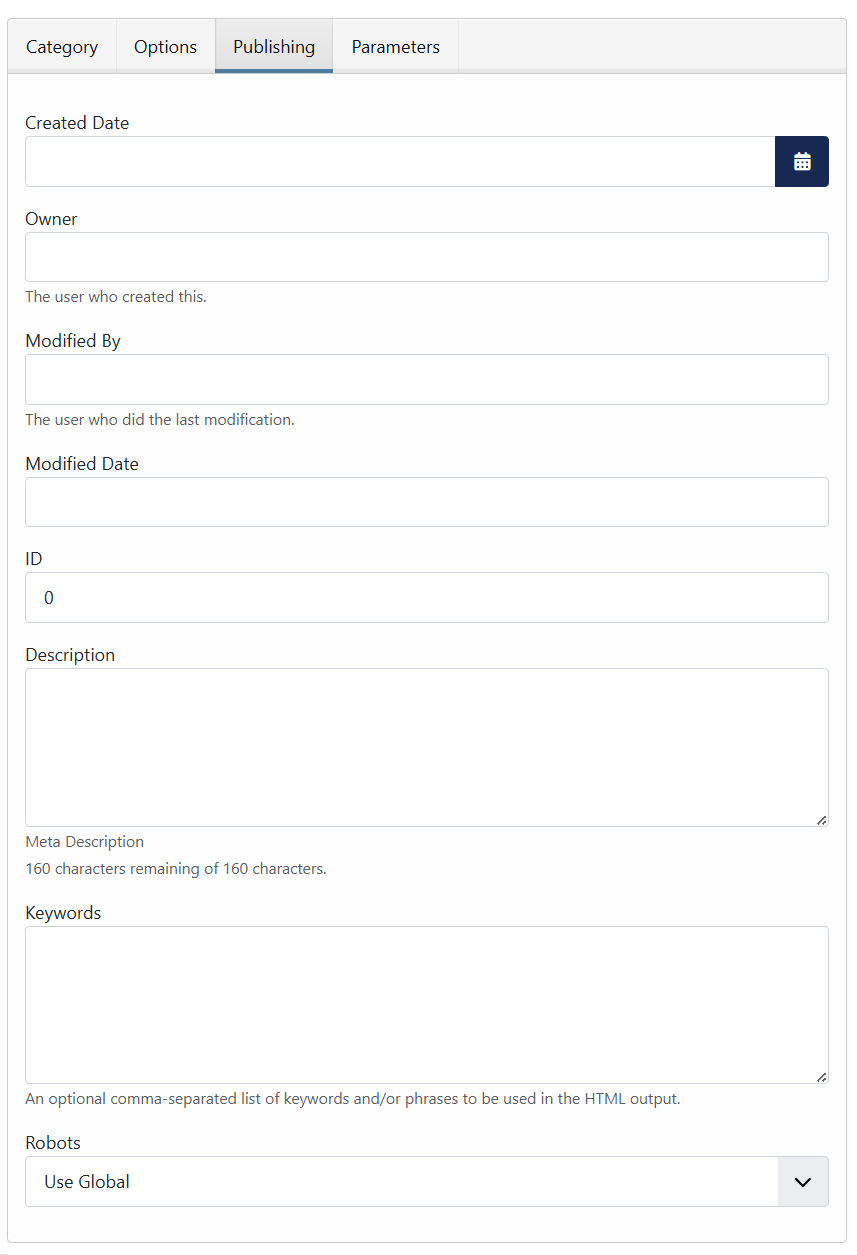
User Category Edit Publishing
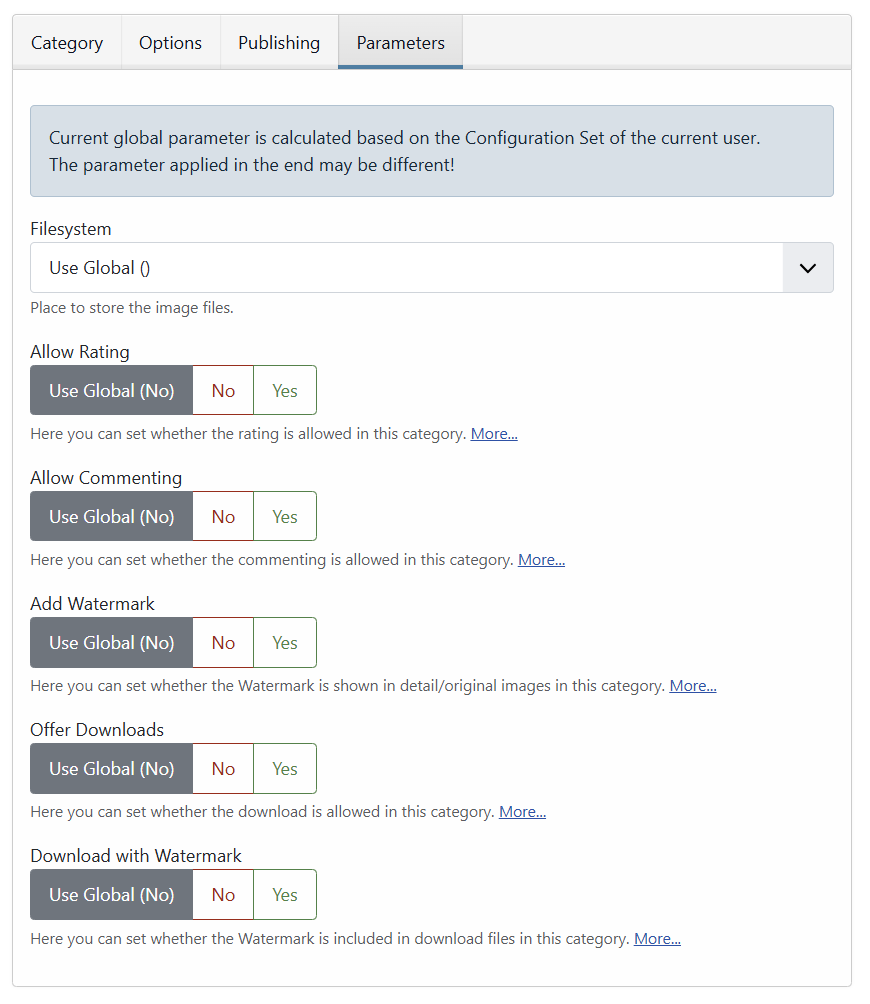
User Category Edit Parameters
User Category Edit Buttons

Most buttons work as the name expects
(1) Save
(2) Save & Close
(3) Save As Copy
(4) Save & new
(5) Cancel