You can only delete an image if you have previously uploaded at least one image yourself.
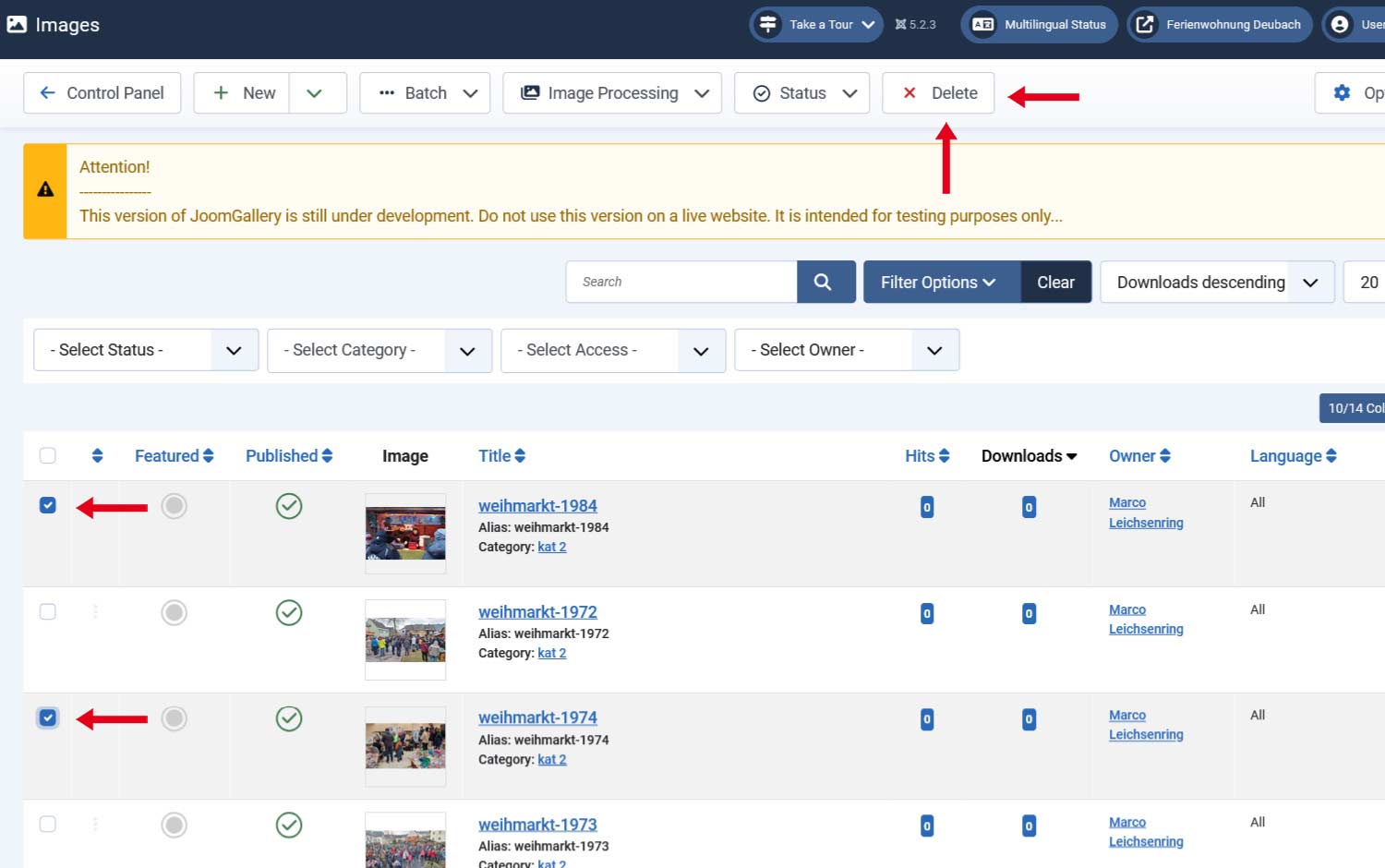
You can find the "X Delete" entry (button) in the upper menu.
To delete an image, you must first mark it with the box in front of the corresponding image (click).
If the image is clicked on the box, you can delete it forever using the "X DELETE" button in the upper menu.
Please note that there is no trash can function!
Of course, you can...
Of course, you can also delete several images at once.
Simply click on the box for each image you want to delete. Then delete them by clicking on the "X DELETE" button in the upper menu.